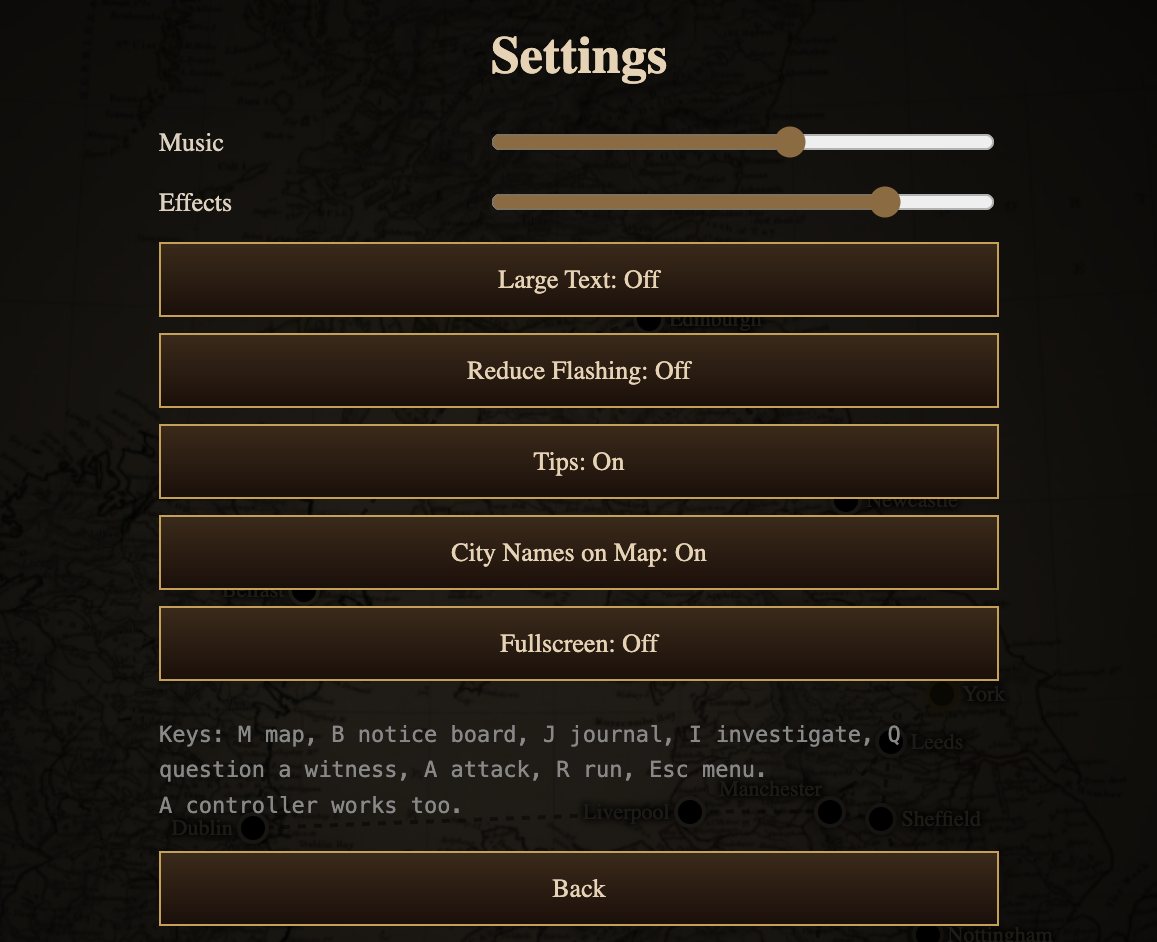
The Settings screen is on the title screen and in the in-game menu (press Esc). Here's what each option does.
Sound
- Music: the volume of the music.
- Effects: the volume of the sound effects. The game has a lot of them: rain, footsteps, church bells, owls, a foghorn on the Irish Sea crossing, distant screams, and the whispers you'll hear when your sanity starts to slip. They do a lot of the work of the horror, so we'd recommend leaving them up.
Accessibility
- Large Text: makes the text bigger throughout the game. Useful on a laptop screen or a TV.
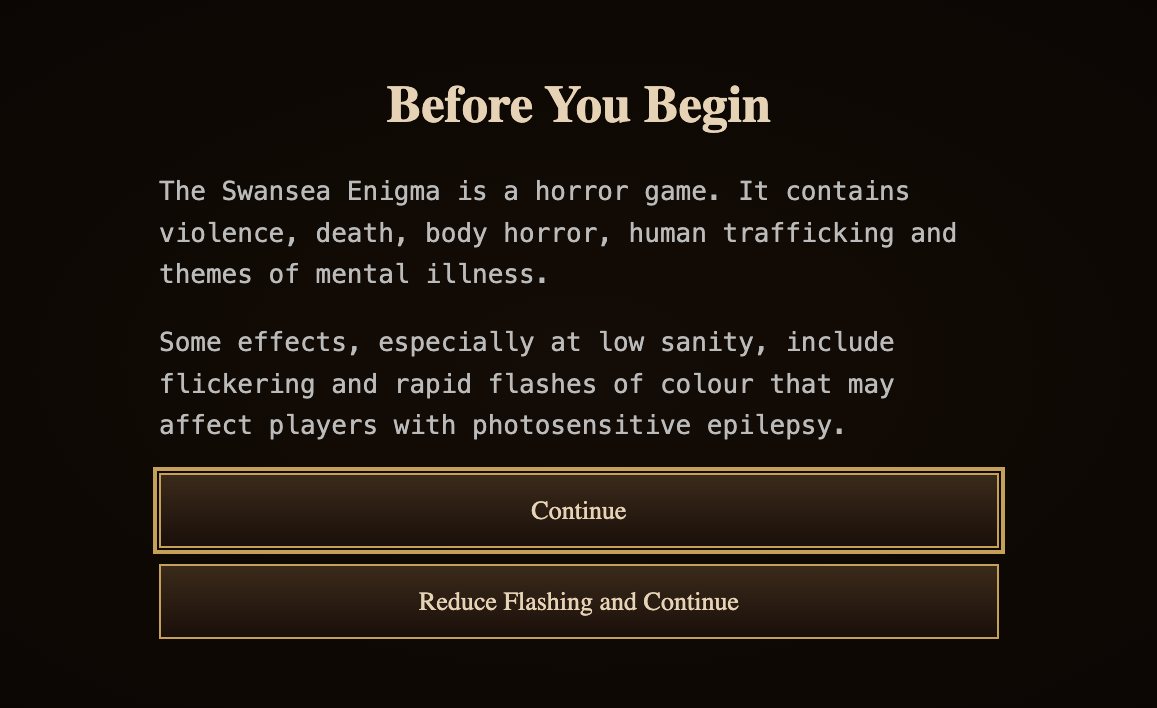
- Reduce Flashing: tones down the flickering and the rapid flashes of colour, which happen especially at low sanity. The game also offers this before you begin, on the first screen: choose Reduce Flashing and Continue.
- Controller support: you don't need to turn this on. "A controller works too."
Help
- Tips: the pop-up tips that explain each part of the game the first time you see it. Turn them off once you know your way around. How to Play in the menu explains everything whether tips are on or off.
- City Names on Map: shows or hides the names of the 24 towns and cities on the map. Turn them off for a cleaner, more atmospheric map once you know where everything is.
Display
- Fullscreen: switches between a window and the full screen.
The keys
The bottom of the Settings screen lists the main keyboard shortcuts. See controls and commands for those and every typed command.